The #1 AI Subtitles Generator with Person Masking
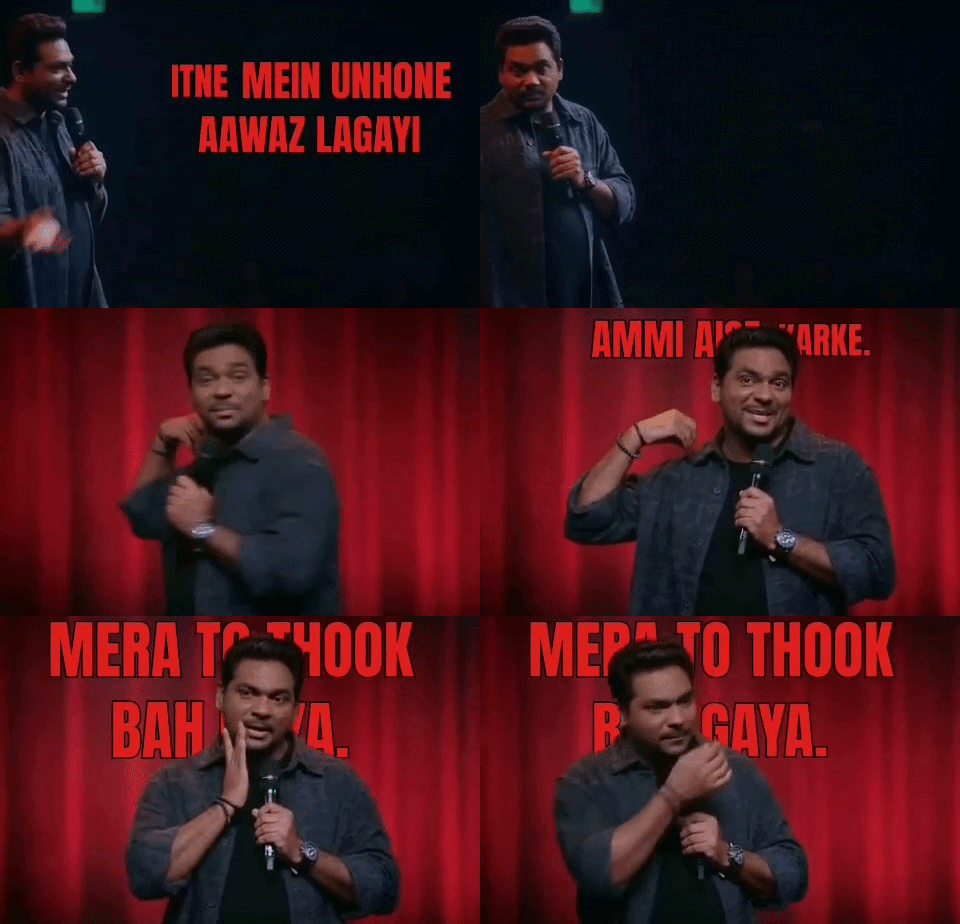
Captions with real depth, not a flat bar. Get subtitles that read the frame sliding behind your subject or dodging their face, automatically.
Drop a video here
or click to browse (MP4, MOV, WebM)
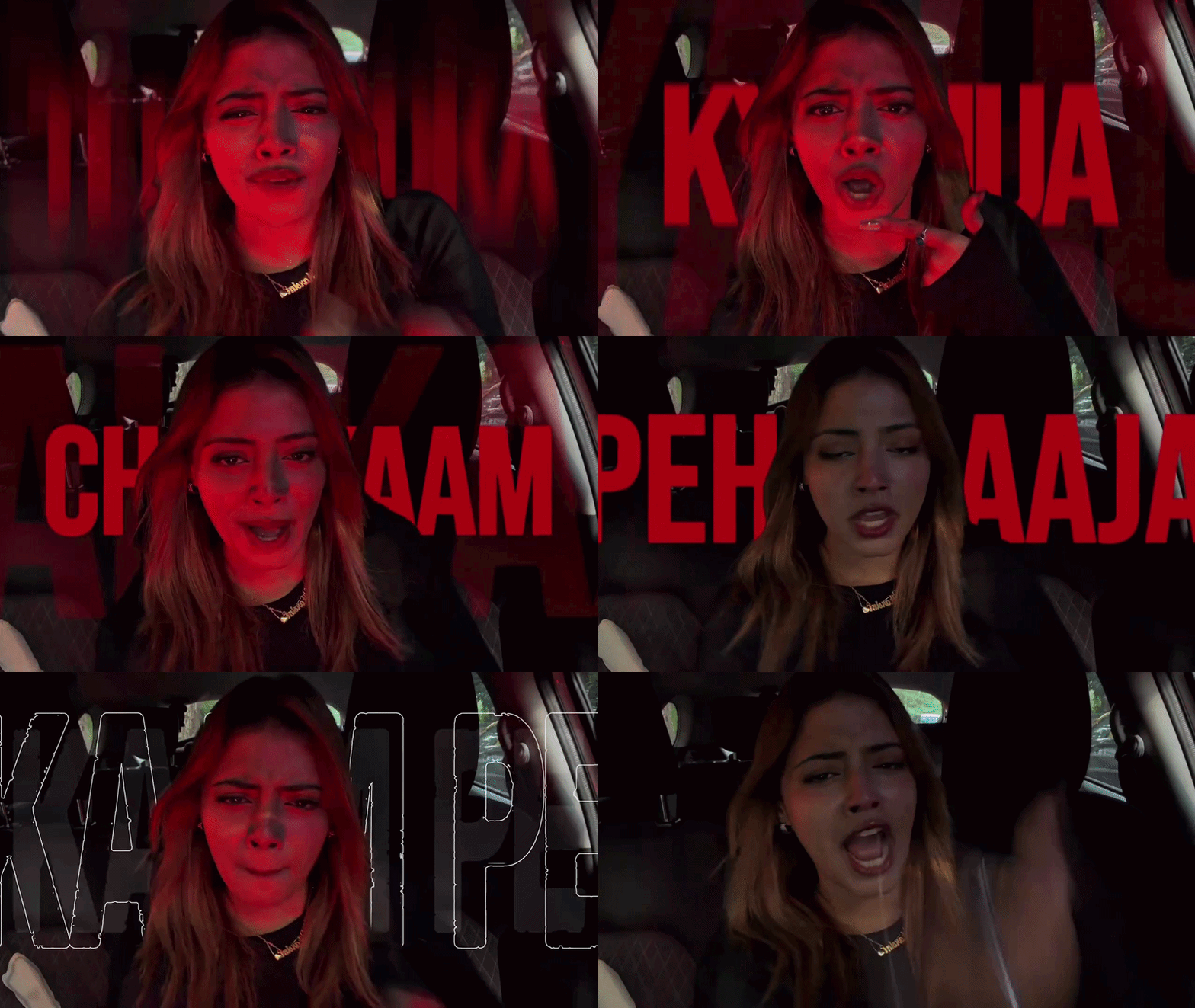



No editing skills, no timeline to fiddle with
Word-level sync, done automatically
33+ ready-made caption themes to pick from
Runs almost entirely in your browser
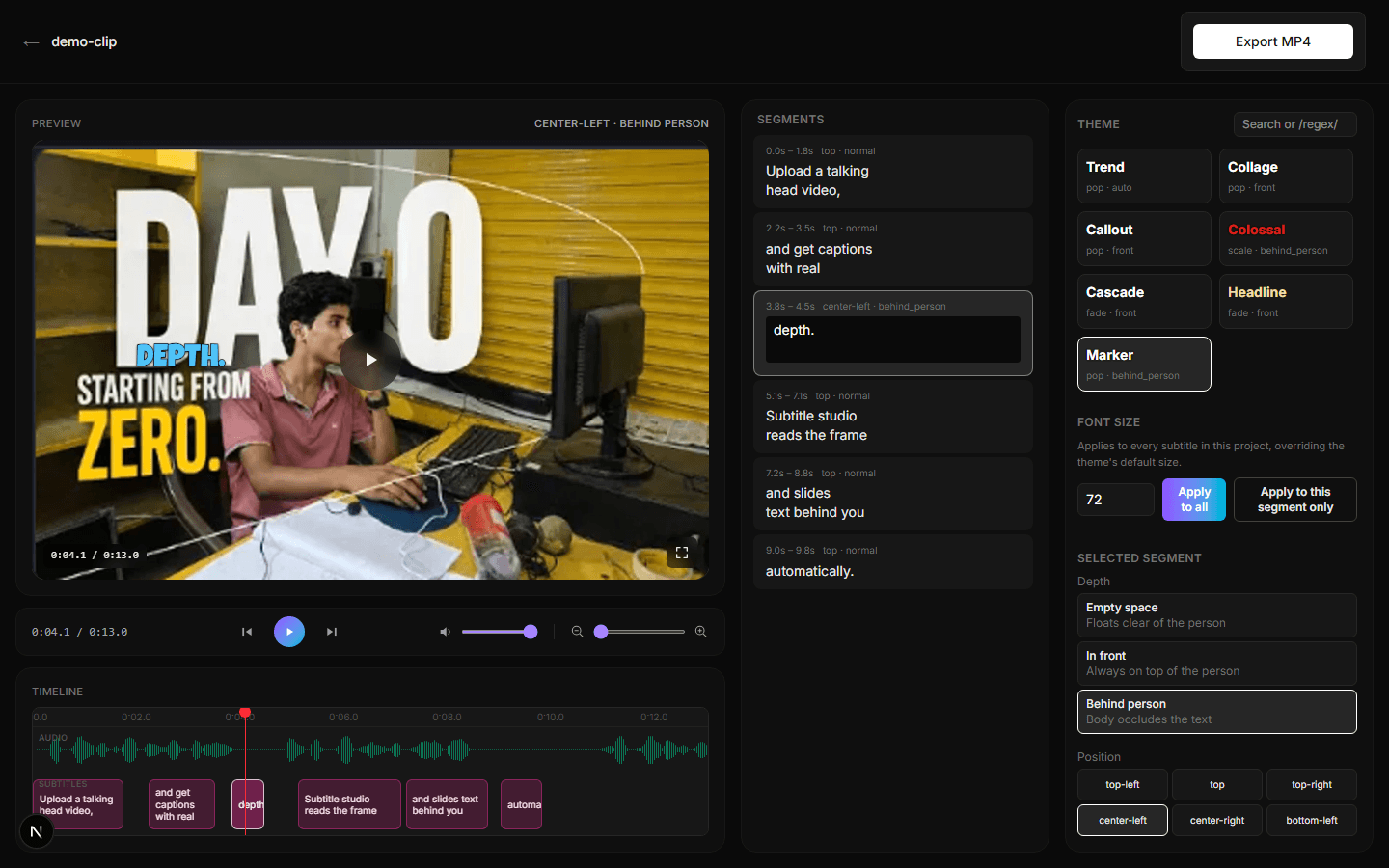
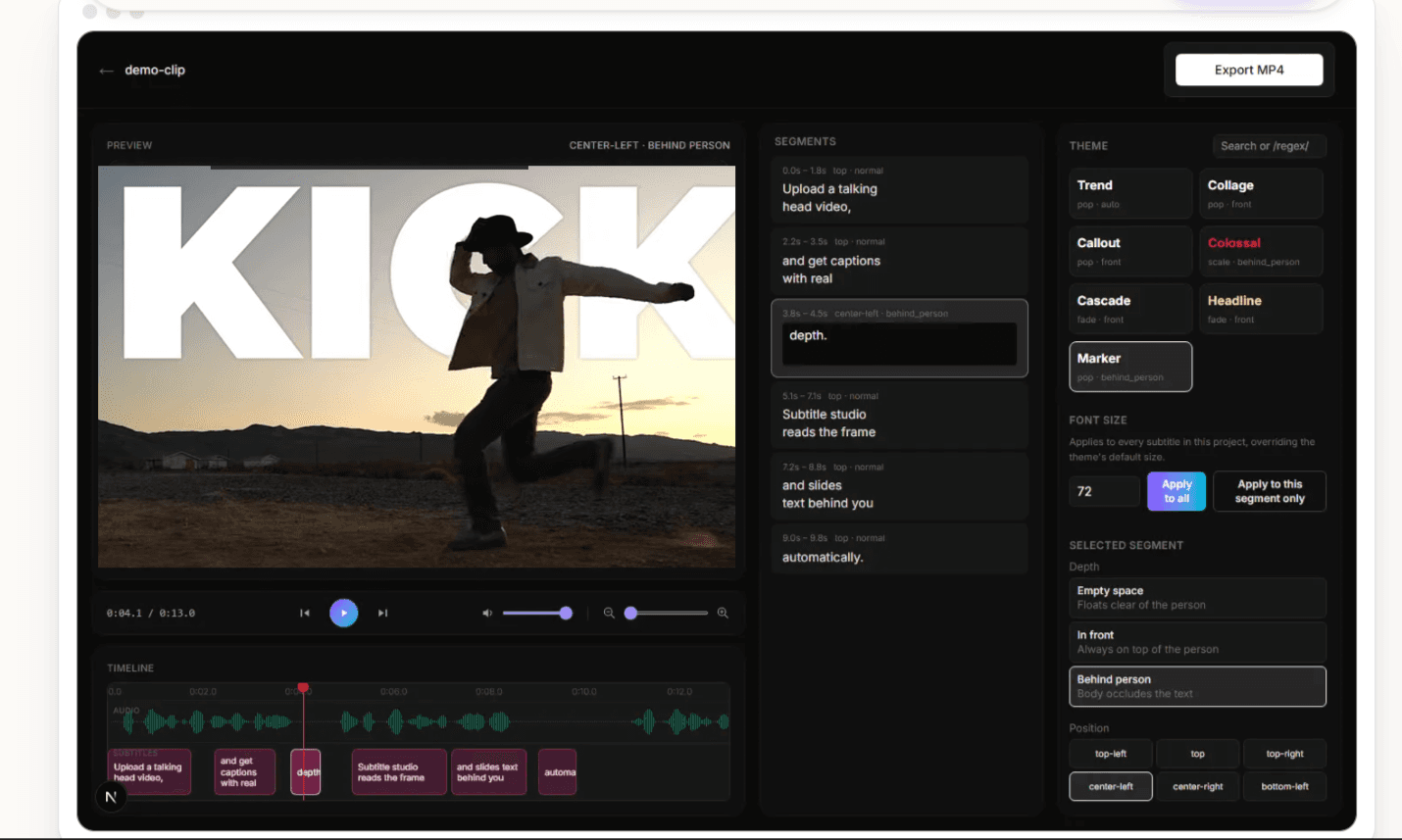
This is the actual editor
Creators are already in the hall of fame
Ananya Verma
@ananya.creates
“My captions finally don't sit on my face anymore. Didn't think an AI tool could get this right.”
✦ +38% watch time
Rohan Mehta
@rohanvlogs
“I used to spend an hour repositioning text in CapCut for every reel. This does it in one click.”
✦ 5 hrs saved/week
Priya Nair
@priya.edits
“Captioned my first Hindi reel and it just worked. The font looked as good as it does in English.”
✦ 12K new followers
Arjun Malhotra
@arjunreels
“The behind-the-person effect is the first thing people comment on now. Nobody else is doing this.”
✦ 2.1M views
Ananya Verma
@ananya.creates
“My captions finally don't sit on my face anymore. Didn't think an AI tool could get this right.”
✦ +38% watch time
Rohan Mehta
@rohanvlogs
“I used to spend an hour repositioning text in CapCut for every reel. This does it in one click.”
✦ 5 hrs saved/week
Priya Nair
@priya.edits
“Captioned my first Hindi reel and it just worked. The font looked as good as it does in English.”
✦ 12K new followers
Arjun Malhotra
@arjunreels
“The behind-the-person effect is the first thing people comment on now. Nobody else is doing this.”
✦ 2.1M views
Simran Kaur
@simrantalks
“Didn't expect to actually enjoy picking a caption theme. There's something for every kind of video.”
✦ 33+ themes used
Kabir Shah
@kabirshorts
“Exported a 40-second clip in under a minute. My old workflow took ten times that.”
✦ 10x faster exports
Ishita Rao
@ishita.reels
“Everything runs in the browser, so I never had to think about where my raw footage was going.”
✦ 100% on-device
Devansh Gupta
@devanshdrops
“The color picker and resize handles feel like a real editor, not a gimmick bolted onto a caption tool.”
✦ Daily active user
Simran Kaur
@simrantalks
“Didn't expect to actually enjoy picking a caption theme. There's something for every kind of video.”
✦ 33+ themes used
Kabir Shah
@kabirshorts
“Exported a 40-second clip in under a minute. My old workflow took ten times that.”
✦ 10x faster exports
Ishita Rao
@ishita.reels
“Everything runs in the browser, so I never had to think about where my raw footage was going.”
✦ 100% on-device
Devansh Gupta
@devanshdrops
“The color picker and resize handles feel like a real editor, not a gimmick bolted onto a caption tool.”
✦ Daily active user
Multi-language captions
English
We care for you and your pocket
That's why we only charge what's necessary. Pick the plan that matches how much you create.
Starter
/month
- 200 credits per month
- Edit up to 20 reels
- High-quality export
Growth
/month
- 400 credits per month
- Edit up to 40 reels
- High-quality export
Pro
/month
- 600 credits per month
- Edit up to 60 reels
- High-quality export
- Premium themes
- Priority support
Studio
/month
- 800 credits per month
- Edit up to 80 reels
- High-quality export
- Premium themes
- Priority support
Three steps to a polished reel

Upload your clip
Drop a video. Audio extraction and transcription kick off immediately, right on your machine.
AI reads the frame
We segment the person pixel-by-pixel and score every word for emphasis based on loudness and text cues.
Edit & export
Drag captions right on the preview, pick a theme, and export a polished MP4, all processed client-side.
Upload your clip
Drop a video. Audio extraction and transcription kick off immediately, right on your machine.
AI reads the frame
We segment the person pixel-by-pixel and score every word for emphasis based on loudness and text cues.
Edit & export
Drag captions right on the preview, pick a theme, and export a polished MP4, all processed client-side.
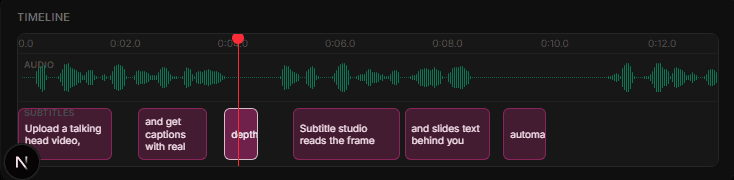
Fine-tune every word, frame by frame
Give your next reel some depth
Upload a clip and see behind-the-person captions on your own footage in under a minute.
Upload a video